In India, WhatsApp is the wedding announcement medium of choice. By the time a wedding invitation PDF lands in a group chat, it has usually been forwarded three times, the quality has dropped and the venue address is barely readable. There is a better way.
Why a link is better than a PDF or image
A PDF or image invitation looks beautiful when first shared but immediately starts degrading. WhatsApp compresses images. PDFs get downloaded, forgotten and never opened. A link to an invitation website, however, is always crisp, always up to date and works on every phone without downloading anything.
What makes a good WhatsApp invitation message
The message that accompanies your link matters as much as the link itself. Keep it warm and brief:
Dear [Name] and family,
Raja and Rani are getting married! We joyfully invite you to be part of our celebrations.
All event details, RSVPs and venue locations are on our invitation website:
[Your Invity link]
Please RSVP so we can keep a place for you. Looking forward to celebrating with you!
Which groups to share in - and when
Most families have multiple WhatsApp groups - immediate family, extended family, friends, office, colony neighbours. Share your invitation in waves:
- Immediate family first - 6 to 8 weeks before the wedding. They need to plan travel and accommodation.
- Extended family and close friends - 4 to 6 weeks before. Give them enough time to RSVP.
- Acquaintances and neighbours - 3 to 4 weeks before.
- A reminder to everyone - 1 week before, with a note about RSVP cutoff.
How to personalise at scale
Sending a mass group forward feels impersonal. But individually messaging 400 people is not realistic either. A good middle ground: personalise the first line of the message ("Dear Rajan Uncle and family") and send individually to each household. It takes more time but the recipients feel genuinely invited, not CCed.
Save a template with [Name] as a placeholder and use WhatsApp's broadcast feature for acquaintances. Use the personal message for close family and friends.
What to do after the RSVP deadline
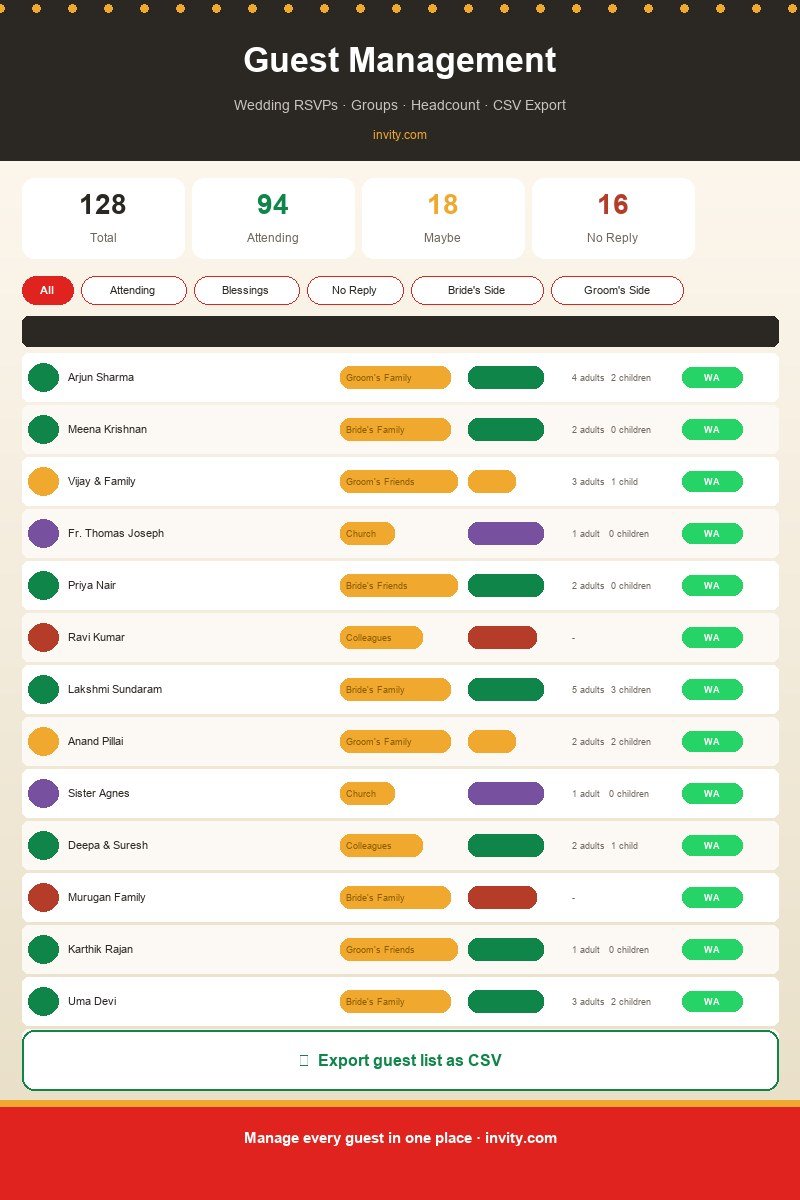
Your invitation website collects RSVPs automatically. A week before the cutoff, check who has not responded and send a gentle follow-up. "We noticed you haven't had a chance to RSVP yet - we'd love to know if you can make it!" Most people simply forgot - they are not declining.
Making your link shareable and memorable
Invity generates a short, clean link for every invitation - something like invity.com/w/raja-rani-2025. This is easy to remember, easy to type on a feature phone keyboard and safe to paste into group chats without triggering spam filters.