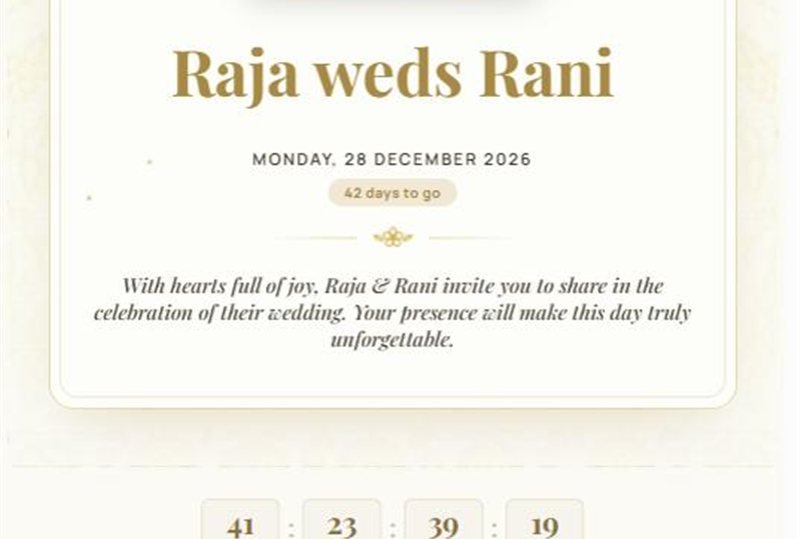
Tracking wedding RSVPs on WhatsApp is one of the most stressful parts of planning a wedding in India. Guests reply in a mix of languages, to multiple family members, with vague headcounts. By the time you try to compile it all, you have no idea who has actually confirmed and who you are still waiting on.
A wedding RSVP tracker solves this by collecting all responses in one place, with the exact information you need: attendance per event, headcount per family group, and a clear list of who has not replied yet.
What your wedding RSVP tracker should capture
A good wedding RSVP tracker goes beyond a simple yes/no:
- Per-event attendance - is a guest coming to the mehendi, sangeet, and wedding ceremony, or only the reception? Multi-event weddings need per-event RSVP tracking, not a single response.
- Headcount per family - how many adults and how many children is each family bringing? This is what your caterer and decorator needs.
- Group or family name - when you send the invitation link to a family group, you need responses attributed to that family so you can follow up with the right person.
- Response time - knowing when a guest responded helps you send follow-up reminders only to those who have not yet replied.
- Special notes - dietary requirements, travel needs, or accessibility notes that come up during the RSVP.
Why a spreadsheet is not a wedding RSVP tracker
Many couples start with a Google Sheet or Excel file. The problem is that someone has to manually update it every time a WhatsApp message comes in. By week three of collecting RSVPs, the sheet is out of date, the headcounts are wrong, and you are spending more time maintaining the tracker than actually planning the wedding.
A proper digital RSVP tracker collects responses directly from guests through your wedding invitation page. Each guest fills in their details once. The tracker updates automatically. No manual data entry. For a broader guide on what to ask and how to get guests to respond, see online RSVPs for Indian weddings.
How to set up a free wedding RSVP tracker on Invity
Invity is a free wedding invitation website platform that includes built-in RSVP tracking for all plans. Here is how it works:
- Create your free wedding invitation page on Invity.
- Add your events - ceremony, reception, mehendi, sangeet, or any combination.
- Share the invitation link with your guests over WhatsApp or email.
- Guests open the invitation and click RSVP. They enter their name, headcount and which events they are attending.
- You see all responses in your Invity dashboard in real time, broken down per event and per family group.
There is no spreadsheet to maintain. Every RSVP goes directly into your tracker as guests respond.
Following up on non-responders
Invity shows you which guests have not replied yet. You can filter your guest list to see only non-responders and send them a WhatsApp reminder with their invitation link directly from the platform. No need to scroll through your contact list or guess who you are still waiting on.
Exporting your RSVP data for caterers and decorators
Once your RSVPs are in, you can export the full list to a CSV file. This gives your caterer the headcount per event they need to plan quantities, and your decorator the per-event numbers for seating arrangements. The CSV includes each guest's name, headcount, which events they are attending, and any special notes they left. For a detailed look at group management, headcount per family and CSV export, see the guide to managing wedding RSVPs online.
Free RSVP tracking with no limit on responses
Invity's free plan includes RSVP tracking with no cap on the number of responses. If you upgrade to a paid plan, you get additional features like per-event headcount breakdowns, group management, and CSV export. But even on the free plan, you get a proper digital RSVP tracker - far better than a WhatsApp thread and a spreadsheet.